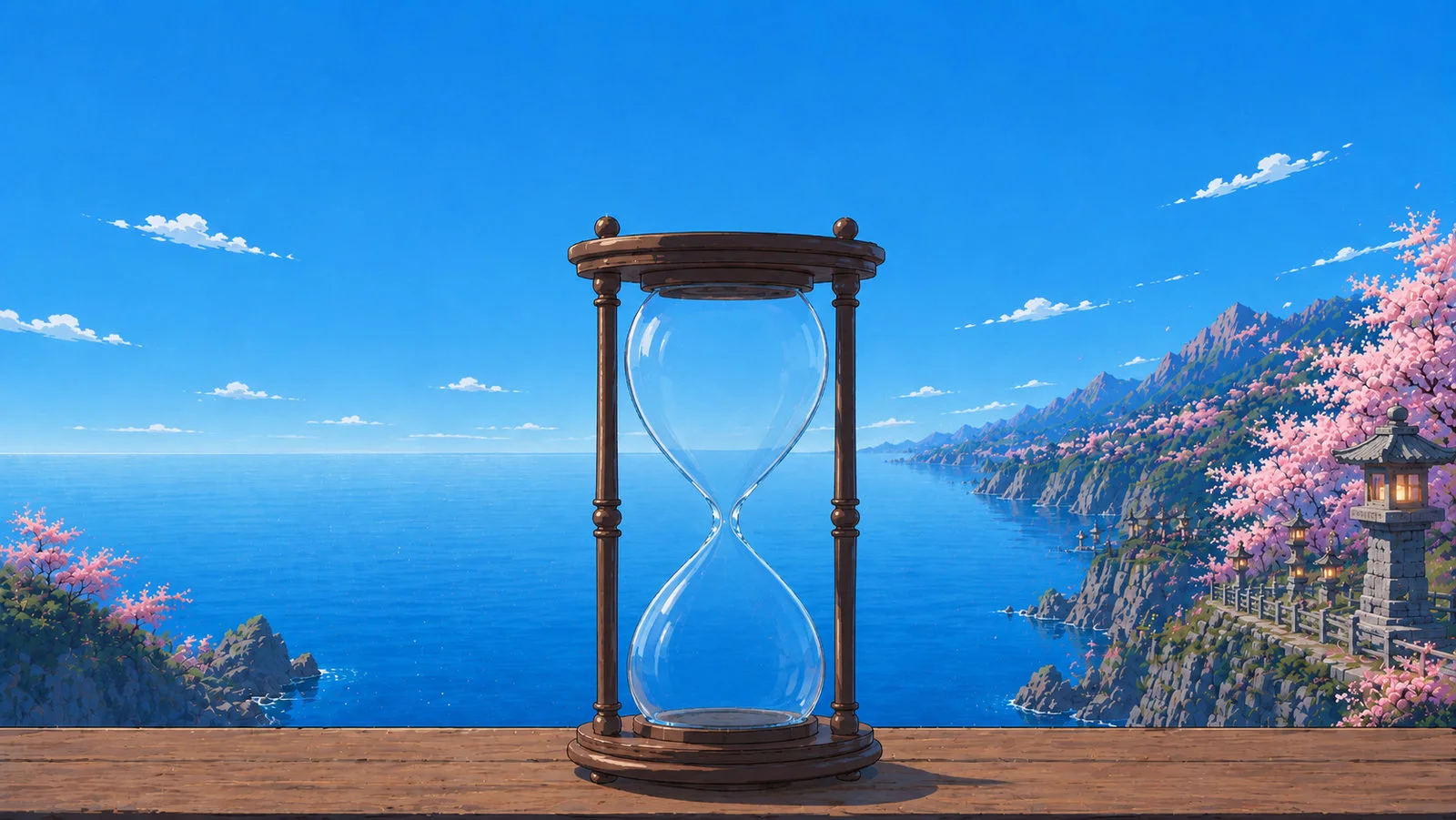
Train your focus.
Transform your life.
A calm focus timer that moves with your day.

Focused today0m
Twenty-five minutes is the original Pomodoro interval and the most-used focus length in the world, for one reason: it is short enough that anyone can commit to it, and long enough to finish something. Work until the sand runs out, then take five.
Set for 25 minutes and ready to start. Good for the classic Pomodoro block.
Francesco Cirillo named the technique after a tomato-shaped kitchen timer in the late 1980s. The interval was chosen because it is short enough to defend from interruption and long enough to finish a unit of work. Four blocks, then a longer break.
Best suited to students, developers, and anyone following the Pomodoro Technique.
It is the interval Cirillo settled on: short enough that you can protect it from interruptions, long enough to complete a real unit of work. The point is the boundary, not the exact number.
SAND. Bottom pile is graded like the top one — no light/shadow split; its colour follows the time of day. Cone lift is what separates the raised pile from the flat bed behind it.
FALLING SAND. Ported from the app (lib/hourglass/hourglass_painter.dart) — accelerating grains, same constants. Defaults ARE the app's values.
PILE GATHERING. The sand spreads evenly first, then a pile starts small and builds. Start = when the mound begins, Ramp = how much more drain until it is the full solved cone.
Copy tuned stream back to me:
Horizon Y = 0.4475 — send me this number to bake it.
SUN — edit one key at a time.The rendered sun blends between these three by the sun's height, so whatever you set here is what shows at that time of day. Scrub Day time to preview.
Copy tuned keys back to me:
MOON — all parameters.Painted disc (plates/moon-tex.png) plus a shader halo and sky spill. Rises 21:45, sets 05:30.
Copy tuned moon back to me:
Place=1, then drag the sun/moon in the sky — it edits the phase you're viewing (scrub Day time to reach it). Moon shows today's real phase.
These edit the selected Time-of-day phase. Mid Day is the anchor (identity).
The Rim light (in Glass optics, locked) auto-scales per phase — strong at night, dim by day — so the hourglass stays the hero.
LOCKED — 100% outline
Set Show glass edge = 1, then drag the white dots(anchors) or blue dots (curve handles) — on either side; the two halves stay mirrored. Drag anywhere off a point to move the whole hourglass. 7 nodes per side: 5 around the top, 5 around the bottom, 1 neck.R restores the locked outline · Shift+R reverts to slider-driven.
Drag markers to shape the sea. Double-click a marker to flip it straight ⇄ curved (square = straight corner, circle = curve), double-click open water to add one, right-click one to remove. The outline passes exactly through every marker.
H panel · L locked params.
DAY plate — LOCKED. Everything (outline · sand · optics · water) is baked. This is the daytime look, used between sunrise and sunset. Reopen the locked menu only to re-tune. Next: the other phase plates + rendered sun/moon.
A calm focus timer that moves with your day.
We use Google Analytics to see how many people find Sustain. Nothing you type or focus on is ever sent - privacy policy.